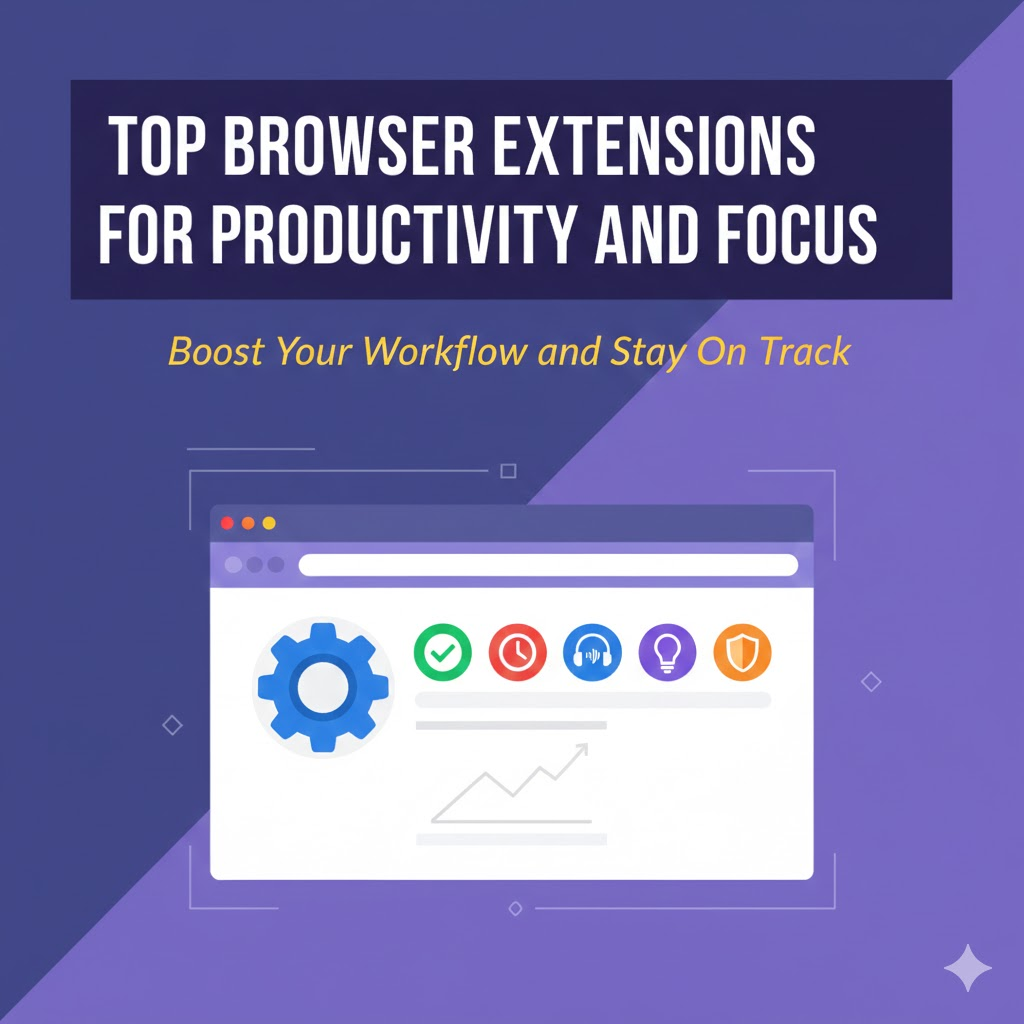
In a world filled with endless tabs, notifications, and digital distractions, staying focused can feel like a daily struggle. The good news is that the right browser extensions can turn your browser into a powerful productivity workspace. These small tools help you manage tasks, block distractions, organise information, and maintain deep focus while you work online.
Whether you use Chrome, Edge, Firefox, or any Chromium based browser, these extensions can help you get more done with less effort.
Best Browser Extensions for Productivity
1. Todoist – Simple and Powerful Task Management
Todoist lets you capture tasks the moment they appear in your mind. You can create to do lists, set deadlines, organise projects, and track progress across all your devices.
You can even add tasks directly from any webpage you are viewing, which makes planning quick and natural. If you want a clean system to manage daily and long term work, Todoist is a great choice.
2. Grammarly – Clear and Confident Writing
Grammarly checks your writing in real time across emails, documents, and social media. It corrects grammar, spelling, and punctuation while also suggesting clearer phrasing.
This saves editing time and helps you sound more professional in every message you send.
3. uBlock Origin – A Cleaner, Faster Web
Too many ads and pop ups can break your concentration. uBlock Origin blocks intrusive ads and unnecessary scripts, making pages load faster and look cleaner.
With fewer visual distractions, it becomes easier to stay focused on the actual content you need.
4. Forest – Focus Through a Simple Game
Forest uses a clever idea to keep you on task. When you start a focus session, a virtual tree begins to grow. If you visit distracting sites, the tree dies.
This small bit of gamification creates a strong incentive to stay focused during work sessions.
5. StayFocusd – Limit Time on Distracting Sites
StayFocusd allows you to set daily time limits for distracting websites. Once your limit is reached, those sites become inaccessible for the rest of the day.
It is strict by design, which makes it very effective for breaking time wasting habits.
6. Momentum – A Calming and Intentional New Tab
Momentum replaces your new tab page with a peaceful dashboard that shows your main focus for the day, a short to-do list, and an inspiring background image.
Each time you open a new tab, you get a gentle reminder of what you planned to accomplish.
7. OneTab – Turn Tab Chaos into Order
If you often have dozens of tabs open, OneTab is a lifesaver. With one click, it converts all open tabs into a simple list on a single page.
This reduces memory usage, speeds up your browser, and helps you work without visual clutter.
8. Marinara Timer – Pomodoro Style Focus
Marinara Timer brings the Pomodoro technique into your browser. It helps you work in focused blocks followed by short breaks.
This rhythm improves concentration and reduces mental fatigue during long workdays.
Bonus Extensions That Support Deep Work
- Clockify helps you track how much time you spend on each task or project
- Pocket lets you save articles and videos to read later instead of getting distracted now
- BlockSite blocks specific websites and can create custom focus schedules
These tools add extra control over how you use your time online.
A Quick Note on Safety
Only install extensions from official browser stores and well known developers. Too many extensions can slow down your browser, so keep only the ones you truly use.
Review your installed extensions from time to time and remove anything you no longer need.
How to Choose the Right Extensions
Do not install everything at once. Start with one tool that solves your biggest problem.
If you struggle with distractions, begin with a blocker like StayFocusd.
If you forget tasks, start with Todoist.
If messy tabs slow you down, try OneTab.
After a week, add another extension if needed. A small focused toolkit works better than a crowded one.
Frequently Asked Questions
Do browser extensions really improve productivity?
Yes. They remove small daily frictions like switching apps, searching for notes, or fighting distractions. Over time these saved minutes add up to significant gains.
Will too many extensions slow my browser?
Yes. Each extension uses some memory and processing power. Install only the essentials and remove unused ones to keep your browser fast.
Can I use several of these together?
Absolutely. Many people combine a task manager, a distraction blocker, and a focus timer to create a balanced workflow.
Are these extensions free?
Most offer solid free versions with optional paid upgrades for advanced features. You can stay productive without paying anything.
Do they work on all browsers?
Most popular extensions are available on Chrome and other Chromium based browsers like Edge and Brave. Many also have Firefox versions.
Which extension should I start with?
Start with the one that fixes your biggest daily issue. If you lose time on social media, use a site blocker. If you forget tasks, use a task manager.
Is it safe to give extensions permissions?
Grant permissions only to trusted extensions that clearly explain what they access. Avoid unknown tools that ask for unnecessary data.
The right browser extensions can turn your everyday browsing into a focused, organised, and efficient experience. By blocking distractions, managing tasks, and simplifying your workspace, you make your browser work for you instead of against you.