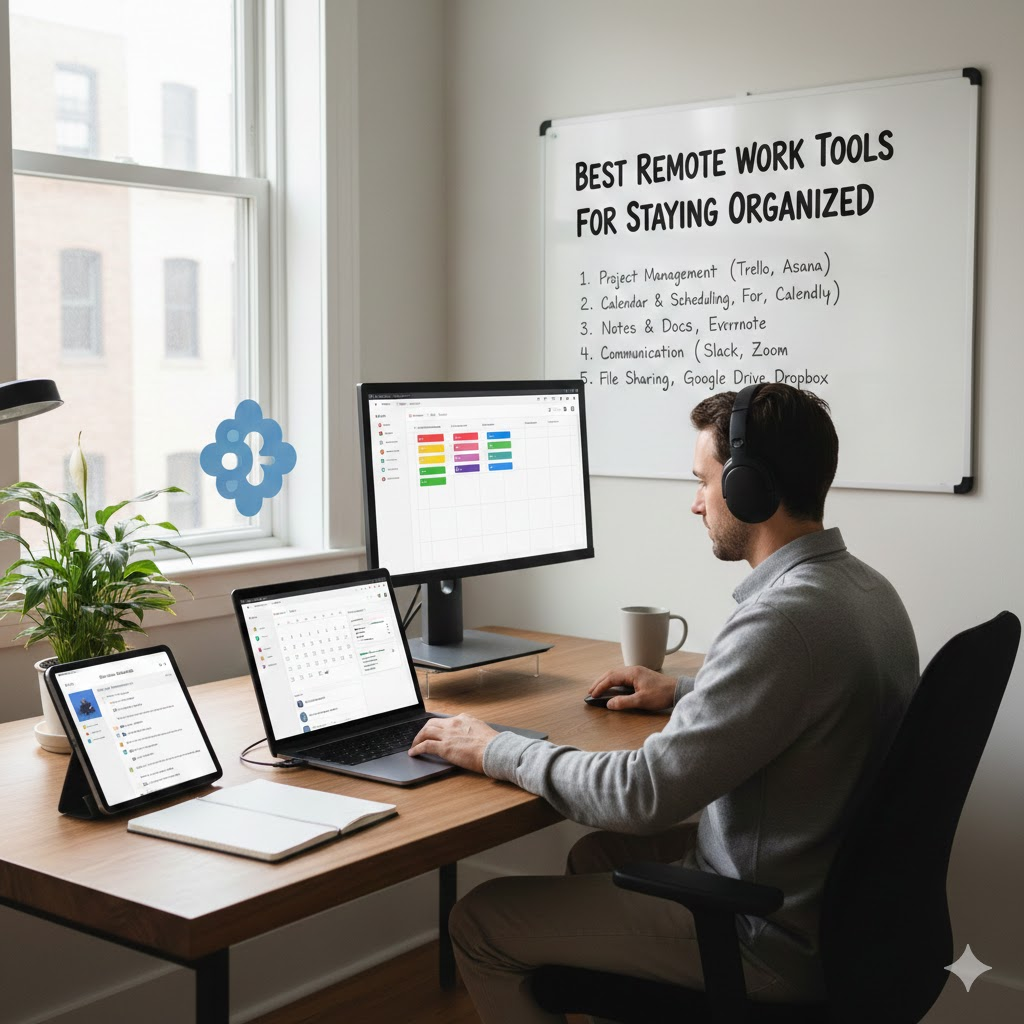
Working from home has become a long term reality for many professionals around the world. While remote work offers flexibility and comfort, it also requires strong organization, clear communication, and consistent focus. Without the right digital tools, it is easy to feel overwhelmed or disconnected.
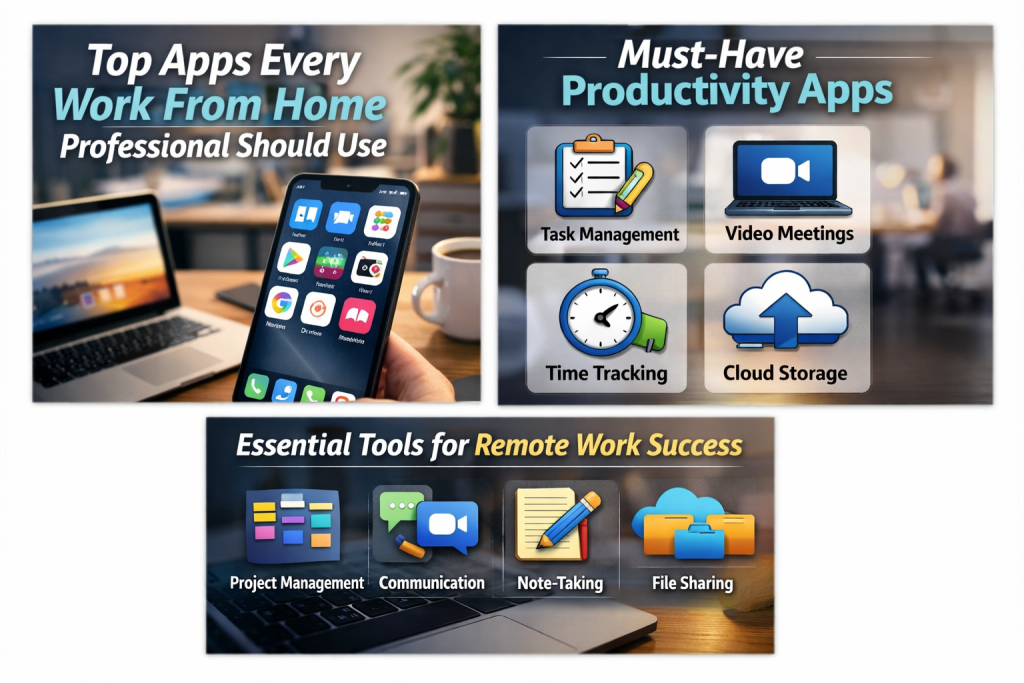
The good news is that there are many reliable apps designed specifically to support work from home professionals. These apps help manage tasks, communicate with teams, organize files, track time, and maintain productivity throughout the day. Below is a practical guide to the top apps every work from home professional should consider using.
Task Management Apps
Staying on top of daily responsibilities is one of the biggest challenges of remote work. Task management apps help you plan, prioritize, and complete your work efficiently.
Trello
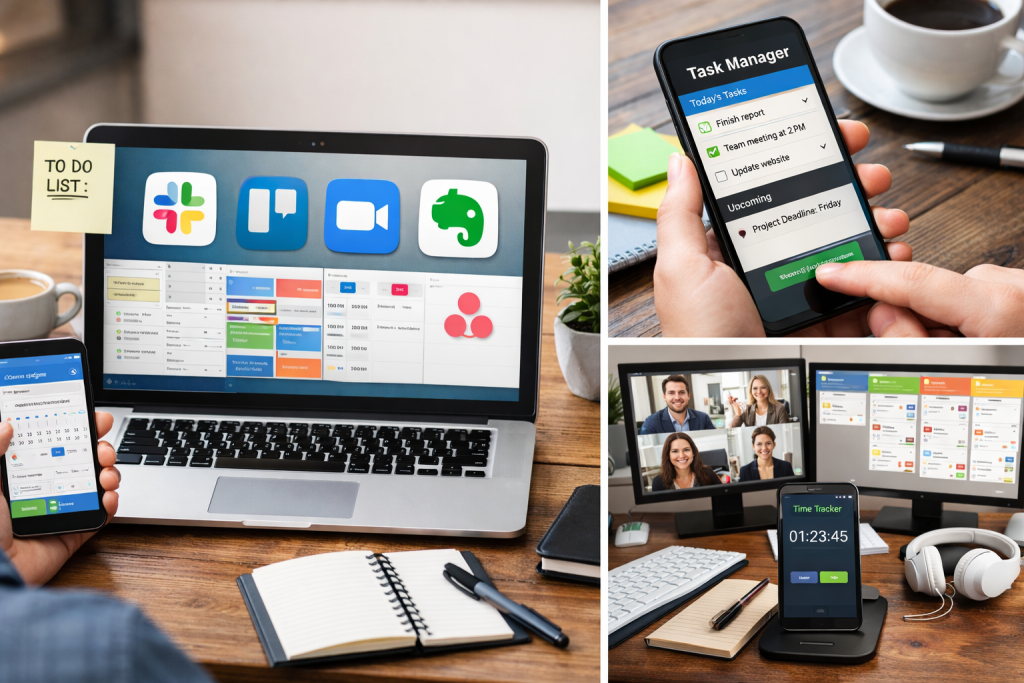
Trello is a visual task management app that uses boards and cards to organize work. It is ideal for professionals who prefer a simple and intuitive system. You can create task lists, set deadlines, and track progress easily.
Asana
Asana is a powerful app for managing larger projects and team workflows. It allows you to assign tasks, set timelines, and monitor progress in one place. This app is especially useful for professionals working with distributed teams.
Todoist
Todoist is a clean and straightforward to do list app. It helps break tasks into manageable steps and sends reminders to keep you on track. It works well for both personal and professional task planning.
Communication and Collaboration Apps
Clear communication is essential when working remotely. These apps help professionals stay connected without relying on endless emails.
Slack
Slack organizes conversations into channels based on projects or topics. This keeps communication structured and easy to follow. It also integrates with many productivity tools, making collaboration smoother.
Microsoft Teams
Microsoft Teams combines chat, video calls, and file sharing in one platform. It is a great option for professionals already using Microsoft tools for documents and email.
Zoom
Zoom is widely used for virtual meetings, client calls, and team discussions. It offers reliable video quality, screen sharing, and recording options.
Time Management and Focus Apps
Managing time effectively while working from home can be challenging. These apps help improve focus and productivity.
RescueTime
RescueTime tracks how you spend your time on devices and provides insights into productivity patterns. It helps identify distractions and encourages better time management habits.
Clockify
Clockify allows professionals to track hours spent on different tasks or projects. It is particularly useful for freelancers and consultants who bill by the hour.
Pomofocus
Pomofocus uses short focused work sessions followed by breaks. This method helps maintain concentration and reduces mental fatigue.
File Storage and Organization Apps
Remote professionals rely heavily on digital files. Proper file organization ensures easy access and collaboration.
Google Drive
Google Drive offers cloud storage with real time collaboration features. You can store documents, share files, and work together with others from anywhere.
Dropbox
Dropbox provides secure file storage and reliable syncing across devices. It is useful for backing up important work and sharing large files.
Notion
Notion is an all in one workspace where you can store notes, documents, task lists, and project plans. Many work from home professionals use it as a central organization hub.
Note Taking and Knowledge Management Apps
Capturing ideas, meeting notes, and important information is essential for remote work success.
Evernote
Evernote helps organize notes, web clippings, and documents in a searchable format. It is useful for research, planning, and long term reference.
Microsoft OneNote
OneNote acts like a digital notebook where you can freely organize information. It is ideal for brainstorming, meeting notes, and idea storage.
Automation and Workflow Apps
Automation tools save time by reducing repetitive tasks and improving efficiency.
Zapier
Zapier connects different apps and automates workflows. For example, it can automatically create tasks from emails or save attachments to cloud storage.
IFTTT
IFTTT helps automate simple actions between apps and services. It is useful for personal productivity and routine work processes.
Apps for Well Being and Balance
Remote work success also depends on mental clarity and physical well being.
Headspace
Headspace offers guided meditation and mindfulness exercises that help reduce stress and improve focus.
Stretchly
Stretchly reminds users to take breaks and move throughout the day. This supports better posture and energy levels during long work hours.
Final Thoughts
Working from home requires more than just a laptop and internet connection. The right combination of apps can create structure, improve focus, and support long term productivity. Instead of using too many tools, it is best to choose a few that fit your work style and needs.
Start with task management, communication, and file organization apps. As your routine evolves, you can add tools that enhance efficiency and balance. With the right setup, working from home can be both productive and fulfilling.
Frequently Asked Questions
What are the most important apps for work from home professionals
Task management apps, communication tools, cloud storage, and time tracking apps are the most important for staying organized and productive.
Are free versions of these apps enough
Yes, many free versions offer strong features that are suitable for individuals and small teams. Paid plans usually add advanced options.
How many productivity apps should I use
It is best to use only a few apps consistently. Too many tools can become distracting and reduce efficiency.
Can one app replace multiple tools
Apps like Notion or ClickUp aim to combine several functions. While they can replace multiple tools, some professionals prefer separate apps for specific tasks.
How do I stay consistent with using productivity apps
Consistency comes from routine. Check your apps at set times each day and keep your system simple and realistic.