


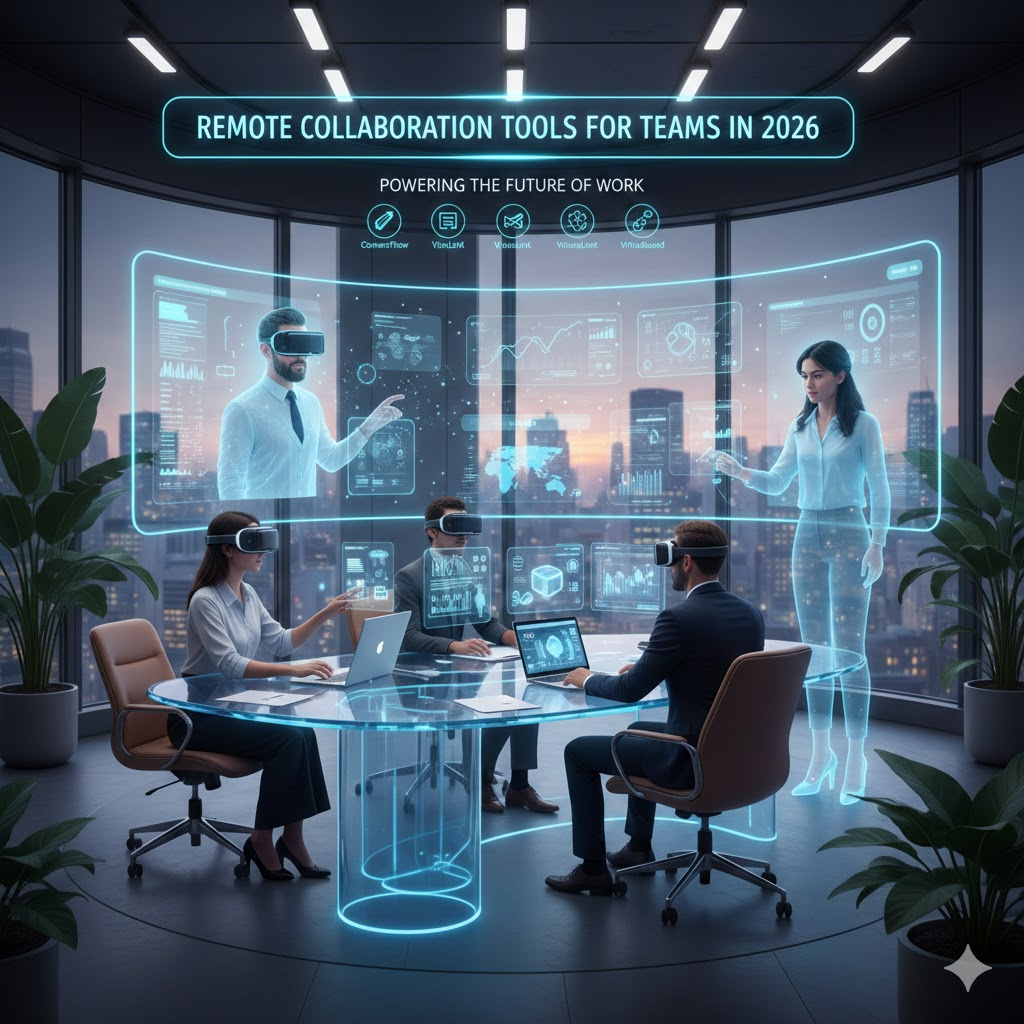
As teams become increasingly distributed across cities, countries, and time zones, remote collaboration tools have shifted from nice-to-have conveniences to the backbone of modern work. In 2026, the landscape of collaboration solutions reflects the lessons of a decade of distributed work, combining powerful real-time communication, intelligent automation, immersive experiences, and unparalleled integration with organizational workflows. This article explores the evolution of remote collaboration tools in 2026, spotlighting what’s essential, what’s emerging, and how teams can thrive in a future of work that’s increasingly hybrid and globally distributed.
The Remote Work Imperative
Remote and hybrid work isn’t a trend: it’s the standard. Surveys from recent years show that the majority of professional workers now expect flexibility in where and how they work. Collaboration tools must meet this expectation. They aren’t just about chat and video calls anymore they orchestrate workflows, capture institutional knowledge, support creativity, and bridge cultural differences. In 2026, teams demand tools that feel intuitive, minimize friction, and adapt to how people actually work.
Core Capabilities of Remote Collaboration Tools in 2026
1. Real-Time Communication That Feels Human
Remote communication has matured well beyond basic video conferencing and messaging apps:
- Asynchronous communication remains vital: recorded video updates, voice notes, and persistent threaded conversations let team members stay aligned without being online at the same time.
- Context-aware chat allows users to link messages to tasks, documents, and meetings, so conversations never feel detached from actual work.
- Live translation and transcription are now built-in, breaking language barriers and making meetings more inclusive for global teams.
The tools that succeed are those that balance synchronous and asynchronous collaboration without overwhelming users with notifications.
2. Integrated Task and Workflow Management
Gone are the days of juggling separate apps for tasks, deadlines, files, and communication. In 2026, collaboration platforms increasingly embed:
- Task boards with automation: Automatic task assignment, priority tagging, and deadline nudges keep projects on track.
- Workflow templates: Customizable blueprints for common processes (e.g., product launches, onboarding) accelerate team alignment.
- Cross-project visibility: Dashboards that let leaders and contributors see dependencies and bottlenecks across multiple teams at once.
Tools that tightly couple tasks and conversations save hours of context switching.
3. Intelligent Assistance and Automation
Artificial Intelligence (AI) plays an even larger role in collaboration tools than it did just a few years ago:
- Meeting summarization: AI generates concise, accurate summaries of meetings including decisions made and action items minimizing meeting fatigue.
- Smart scheduling: Tools that find optimal meeting times across time zones and calendars, intelligently suggesting agenda items based on previous conversations.
- Document auto-generation: AI can draft reports, create slide decks from notes, or even generate code snippets, accelerating productivity while reducing grunt work.
Importantly, these AI features focus on augmentation helping teams work smarter rather than replacing human judgment and creativity.
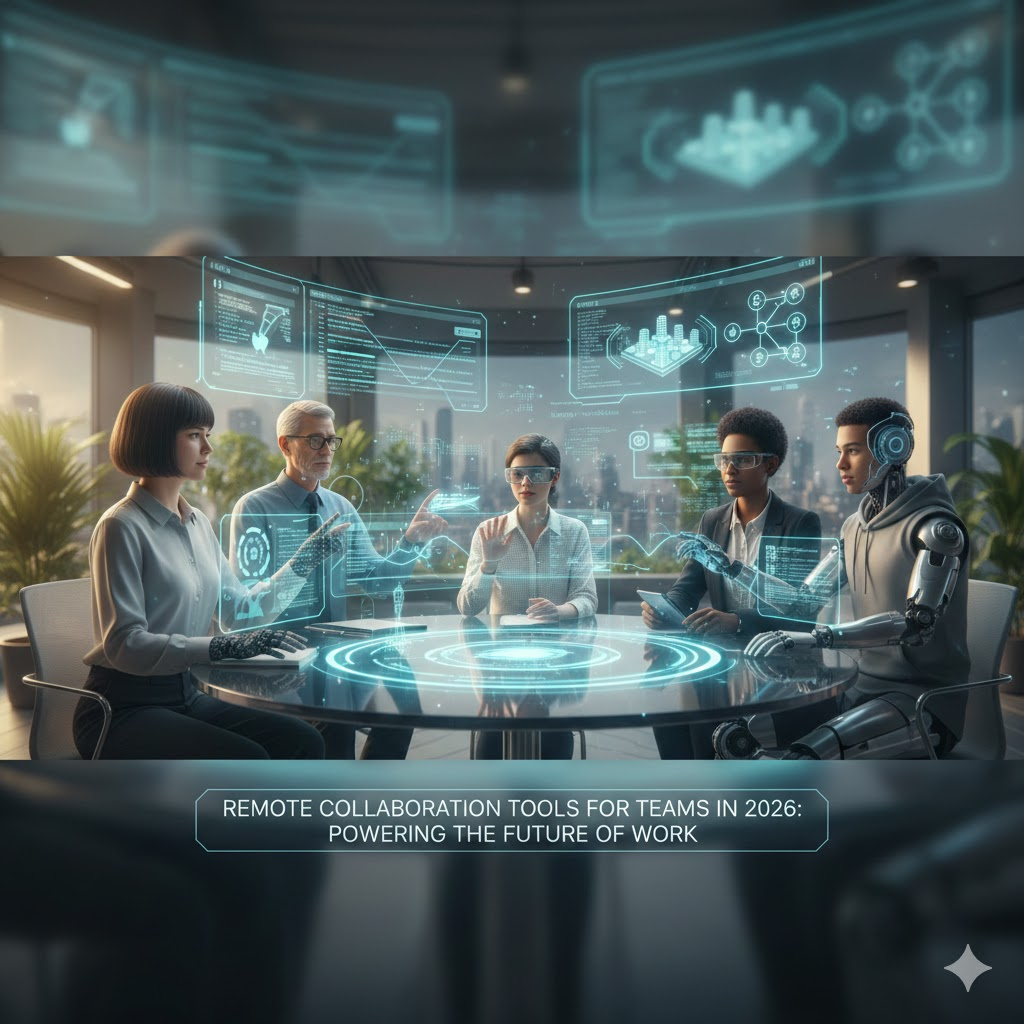
4. Immersive and Spatial Collaboration Spaces
Video grids are no longer the cutting edge. The emergence of immersive collaboration augmented by virtual and mixed reality brings teams together in shared digital spaces:
- 3D virtual rooms let teams brainstorm on virtual whiteboards, prototype products in 3D, and interact in ways that feel spatial and more human.
- Avatars and spatial audio create a sense of presence: people can move “around” a virtual room and drop into conversations naturally, mimicking real life.
- For many creative and engineering teams, these spaces transform abstract ideas into visual, tangible concepts.
While not suited for every use case, immersive tools are rapidly gaining traction in design, architecture, education, and R&D.
5. Security, Privacy, and Compliance as Baseline
With remote collaboration tools handling everything from sensitive documents to internal communications, robust security is non-negotiable:
- End-to-end encryption and granular access controls protect data without slowing workflows.
- Compliance automation ensures teams meet regulatory requirements (e.g., data residency, audit trails) without manual overhead.
- Zero-trust architectures verify identities and devices continuously, safeguarding against internal and external threats.
In 2026, teams view security features not as obstacles but as essential foundations that make remote collaboration trustworthy and scalable.
Top Categories of Tools in 2026
While no single tool can solve every need, the most successful platforms tend to fall into several key categories:
Communication Platforms
These include messaging, video conferencing, and asynchronous communication hubs that keep teams connected without friction.
Unified Collaboration Suites
All-in-one platforms that combine chat, tasks, files, meetings, and AI assistance in a single experience.
Niche Workflow Tools
Specialized solutions for areas such as design collaboration, software development workflows, research coordination, or sales and customer support pipelines.
Immersive Collaboration Environments
Spatial workspaces that turn remote teams into interactive, visual collaborators especially for creative, engineering, and vision-driven work.
Choosing the Right Tools for Your Team
The key to thriving with remote collaboration in 2026 isn’t about adopting every shiny new app it’s about choosing the right mix that fits your team’s culture, goals, and work rhythm. Consider these factors:
1. Workflow Fit:
Does the tool reflect how your team naturally works, or does it force new patterns that slow people down?
2. Integration and Interoperability:
Can it connect with your project management, CRM, calendar, cloud storage, and other essential systems?
3. Learning Curve:
Is the tool intuitive, or does it require extensive onboarding and training?
4. Accessibility:
Does it support remote access across devices, operating systems, and connectivity conditions?
5. Scalability and Security:
Can it grow with your team and keep your data safe at every stage?
Balanced consideration of these factors leads to a toolset that supports productivity without overload.
The Human Element of Remote Work
At its core, remote collaboration is about people, not just technology. Tools matter, but teams thrive when collaboration feels inclusive, respectful, and purposeful. In 2026, successful collaboration strategies emphasize:
- Clear communication norms
- Psychological safety
- Trust and autonomy
- Regular opportunities for connection beyond task execution
Tech can facilitate these principles, but culture drives them.
Frequently Asked Questions (FAQ)
1. What are remote collaboration tools?
Remote collaboration tools are digital platforms that help teams work together from different locations. They support communication, file sharing, task management, meetings, and collaborative problem-solving. In 2026, these tools go beyond basic messaging and video calls by integrating AI, automation, and immersive experiences that replicate in-person collaboration.
2. Why are remote collaboration tools more important in 2026 than before?
By 2026, remote and hybrid work models have become permanent for many organizations. Teams are more globally distributed, making collaboration tools essential for maintaining productivity, alignment, and team culture. These tools help reduce time zone friction, improve transparency, and ensure work continues smoothly regardless of location.
3. How has AI changed remote collaboration tools in 2026?
AI has transformed remote collaboration by reducing manual effort and information overload. Tools now automatically summarize meetings, highlight action items, suggest tasks, assist with scheduling, and even help draft documents or presentations. This allows teams to focus more on decision-making and creative work rather than administrative tasks.
4. Are immersive collaboration tools like virtual workspaces necessary for all teams?
No, immersive collaboration tools are not mandatory for every team. They are especially valuable for design, engineering, architecture, training, and creative teams that benefit from visual and spatial interaction. For other teams, traditional collaboration tools with strong communication and task management features may be more practical and efficient.
5. How do remote collaboration tools support asynchronous work?
Modern collaboration tools are designed to support asynchronous work through recorded meetings, shared documents, threaded discussions, and clear task tracking. Team members can contribute on their own schedules without missing important context, which is crucial for global teams working across different time zones.
6. What security features should teams look for in 2026 collaboration tools?
Teams should prioritize tools that offer end-to-end encryption, role-based access controls, secure cloud storage, audit logs, and compliance with data protection regulations. In 2026, strong security is a baseline expectation, not an optional add-on, especially for organizations handling sensitive data.
7. Can small teams benefit from advanced collaboration tools, or are they only for large organizations?
Small teams can benefit just as much as large organizations. Many collaboration platforms now offer flexible pricing, modular features, and scalable plans. For small teams, these tools help establish structure, improve communication, and support growth without adding unnecessary complexity.
8. How do teams avoid tool overload when adopting remote collaboration platforms?
Tool overload happens when teams use too many disconnected apps. To avoid this, teams should focus on platforms that integrate multiple functions, align with existing workflows, and replace redundant tools. Clear usage guidelines and regular reviews also help ensure tools remain helpful rather than distracting.
9. What role do collaboration tools play in team culture?
Collaboration tools shape how teams communicate, share feedback, and build trust. Features like informal chat spaces, recognition tools, and virtual social interactions help maintain human connection. However, technology supports culture; it cannot replace intentional leadership, empathy, and clear communication norms.
10. What should teams expect from remote collaboration tools in the future beyond 2026?
Looking ahead, teams can expect even deeper AI integration, more personalized work experiences, improved immersive environments, and better cross-platform interoperability. The focus will continue shifting toward tools that feel natural, reduce friction, and support both productivity and well-being.
Conclusion
Remote collaboration tools in 2026 aren’t just about staying connected they’re about creating shared contexts, enabling intelligent work, and fostering meaningful collaboration across distances. From AI-enhanced workflows to immersive spaces that mirror physical presence, the right tools turn remote teams into cohesive, high-performance units.
As work continues to evolve, the successful teams will be those that use technology not as a crutch, but as an enabler of creativity, clarity, and human connection.