Creating a productive home office does not have to be expensive or complicated. Many people assume that working from home requires costly furniture, high end equipment, and a dedicated room. In reality, productivity depends more on smart choices, organization, and comfort than on price tags.
Whether you are a remote employee, freelancer, or student, you can build a functional and motivating home office without overspending. This guide will walk you through practical steps to set up a productive home office on a budget while making the most of what you already have.
Choose the Right Space in Your Home
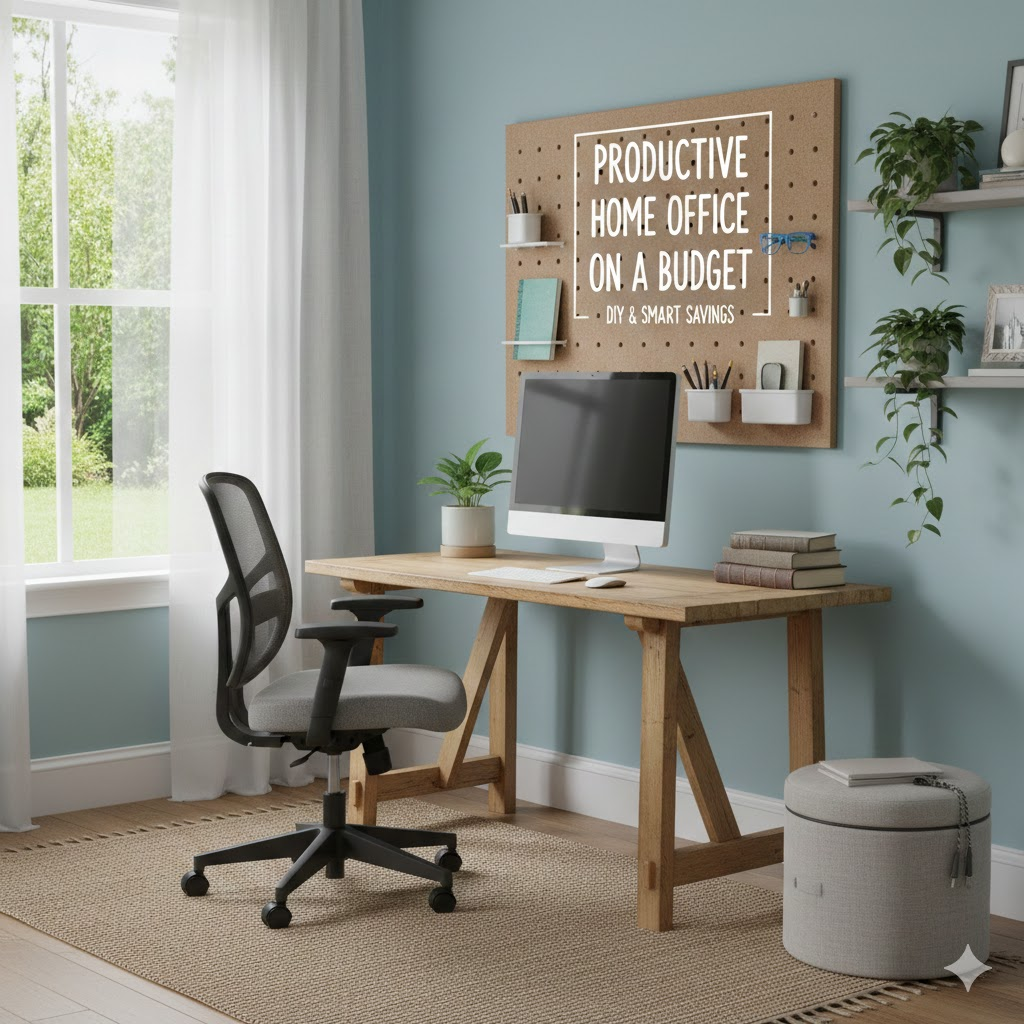
The first step in setting up a home office is choosing the right location. You do not need an entire room. A quiet corner, a small desk near a window, or even part of a dining table can work well.
Look for a spot with minimal distractions and decent natural light. If possible, choose an area where you can mentally separate work from personal life. Even a small, clearly defined workspace can improve focus and productivity.
Use Furniture You Already Own
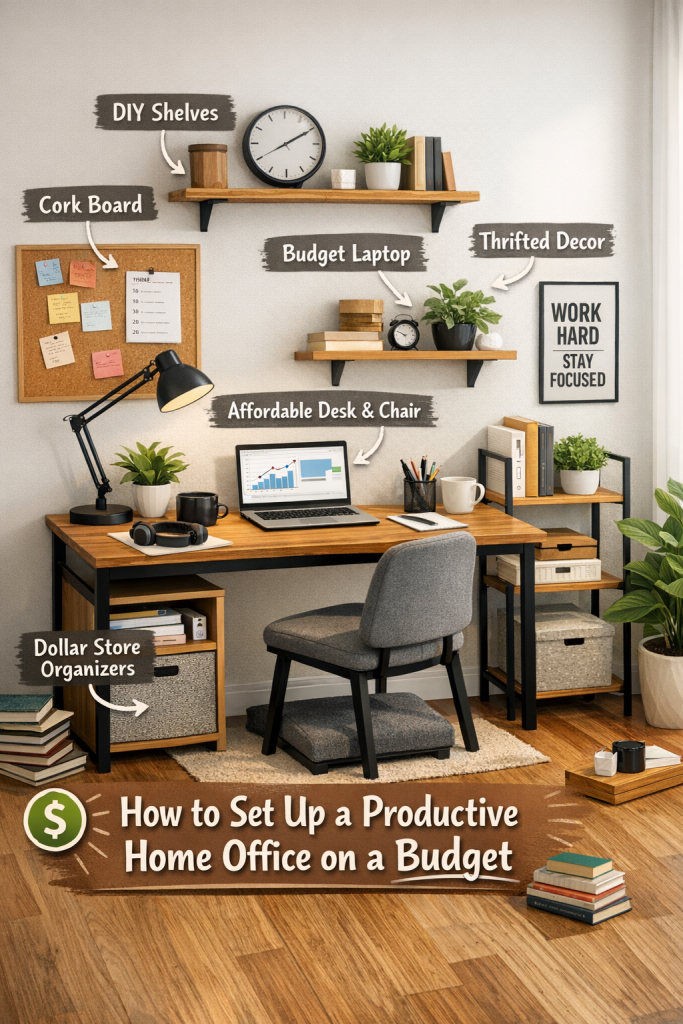
Before buying anything new, take a look at what you already have. A sturdy table can function as a desk, and a dining chair can work temporarily as an office chair. Many people already own furniture that can be repurposed with small adjustments.
If you do need to buy furniture, look for affordable options at local stores, online marketplaces, or second hand shops. Focus on functionality rather than appearance. Comfort and stability matter more than style.
Prioritize Comfort and Ergonomics
Working long hours in an uncomfortable position can lead to fatigue and pain. Even on a budget, you can improve ergonomics.
Place your screen at eye level by stacking books under your laptop or monitor. Use a cushion or folded towel to support your lower back. Keep your feet flat on the floor and your wrists relaxed while typing.
Small adjustments like these can make a big difference without costing anything.
Invest Only in Essential Equipment
You do not need expensive gadgets to be productive. Start with the basics.
A reliable laptop or desktop computer and a stable internet connection are essential. If your budget allows, consider a basic external keyboard and mouse, which can improve comfort and efficiency.
Headphones are also useful, especially if you live with others. Affordable wired headphones can block noise and help you stay focused during calls and deep work sessions.
Improve Lighting Without Spending Much
Good lighting reduces eye strain and improves mood. Natural light is the best option, so place your workspace near a window if possible.
If you need artificial lighting, a simple desk lamp is enough. Choose warm or neutral light to avoid harsh glare. You do not need designer lamps. Even a basic lamp from a local store can create a comfortable work environment.
Keep Your Workspace Organized
A cluttered workspace can quickly reduce productivity. Organization does not require expensive storage solutions.
Use small boxes, jars, or containers you already have to store stationery and cables. Keep only essential items on your desk and store the rest nearby. Digital organization matters too. Create folders for files and keep your desktop clean.
A tidy workspace helps clear your mind and saves time throughout the day.
Use Free Productivity Tools
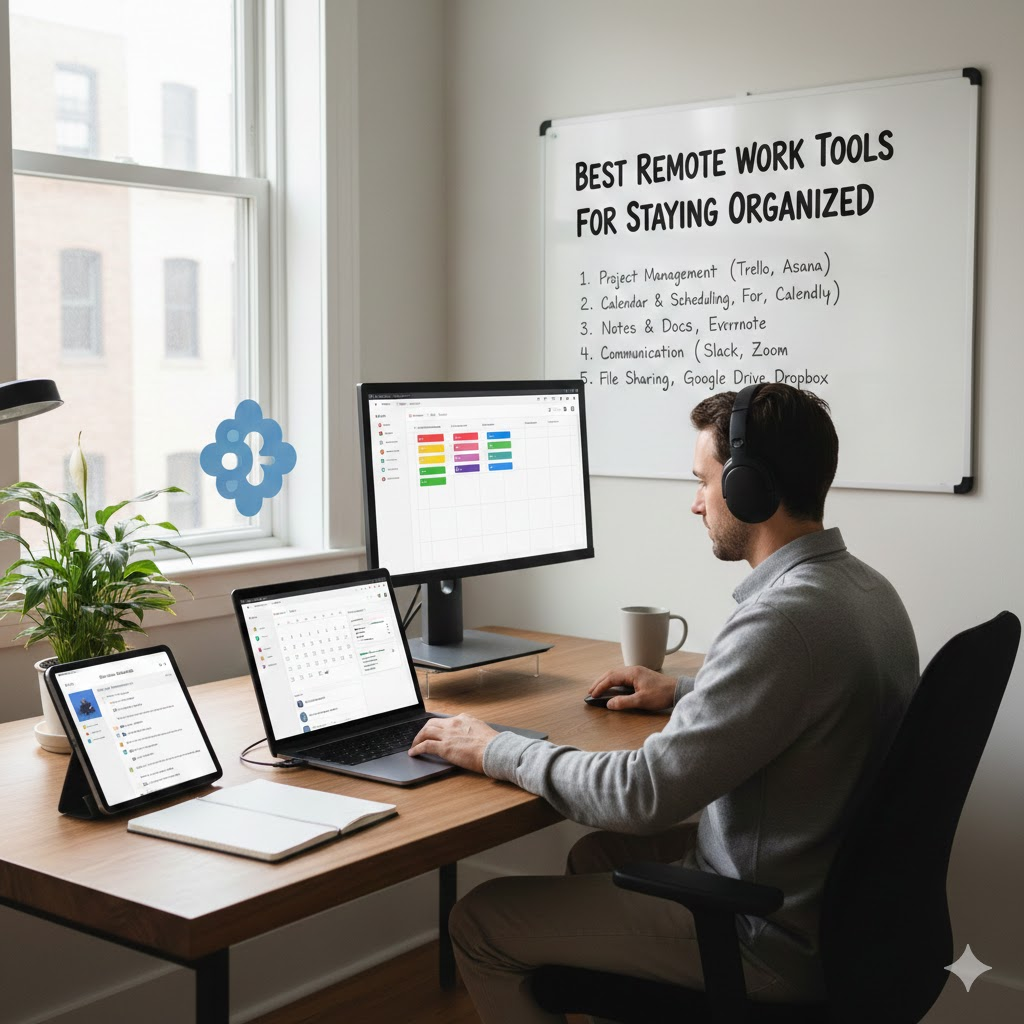
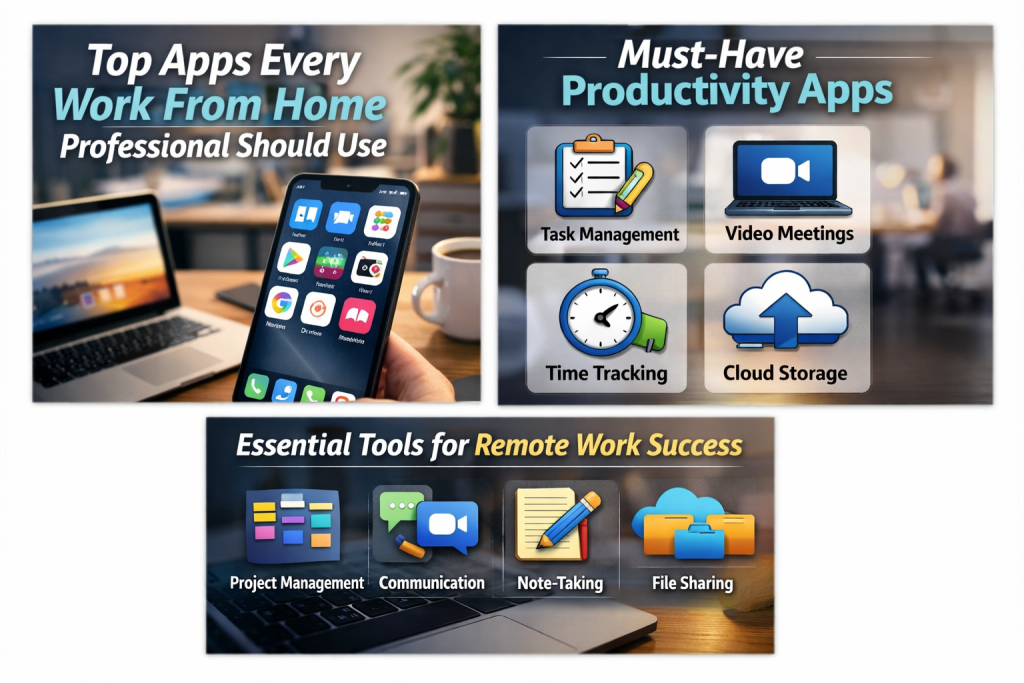
Instead of spending money on software, take advantage of free tools that support productivity.
Task management apps help organize daily work. Cloud storage tools keep files accessible and safe. Free communication tools support meetings and collaboration. Many powerful apps offer free plans that are more than enough for home office needs.
The key is consistency. Using a few tools well is better than having many tools you rarely open.
Set Clear Boundaries and Routines
A productive home office is not just about physical setup. Your habits play a huge role.
Set specific working hours and stick to them as much as possible. Let others in your home know when you are working. Take regular breaks to stretch, rest your eyes, and recharge.
Even on a budget, a structured routine can dramatically improve focus and work quality.
Add Simple Personal Touches
Your workspace should feel motivating, not boring. Personal touches do not have to be expensive.
Add a plant, a framed photo, or a notebook you enjoy using. These small elements can boost mood and make your workspace more inviting.
Avoid over decorating. The goal is comfort and inspiration, not distraction.
Maintain and Improve Over Time
You do not need to build the perfect home office all at once. Start with the essentials and improve gradually.
As your needs change, you can invest in upgrades like a better chair or monitor. Spreading costs over time makes budgeting easier and allows you to make smarter choices based on experience.
Final Thoughts
Setting up a productive home office on a budget is completely achievable. With thoughtful planning, smart use of existing resources, and simple adjustments, you can create a workspace that supports focus, comfort, and efficiency.
Productivity does not come from expensive equipment. It comes from clarity, consistency, and an environment that helps you do your best work every day.
Frequently Asked Questions
How much does it cost to set up a budget home office
A basic home office can be set up with little to no cost if you use existing furniture and free tools. Even with a few purchases, it can stay within a very affordable range.
Do I need a separate room for a home office
No. A small dedicated area or corner is enough as long as it helps you focus and separates work from personal life.
What is the most important item for a home office
Comfortable seating and proper screen positioning are among the most important factors for long term productivity and health.
Can I work productively without buying new furniture
Yes. Many people work efficiently using repurposed furniture and simple ergonomic adjustments.
How can I reduce distractions while working from home
Set clear work hours, use headphones, keep your workspace organized, and communicate boundaries with people around you.