


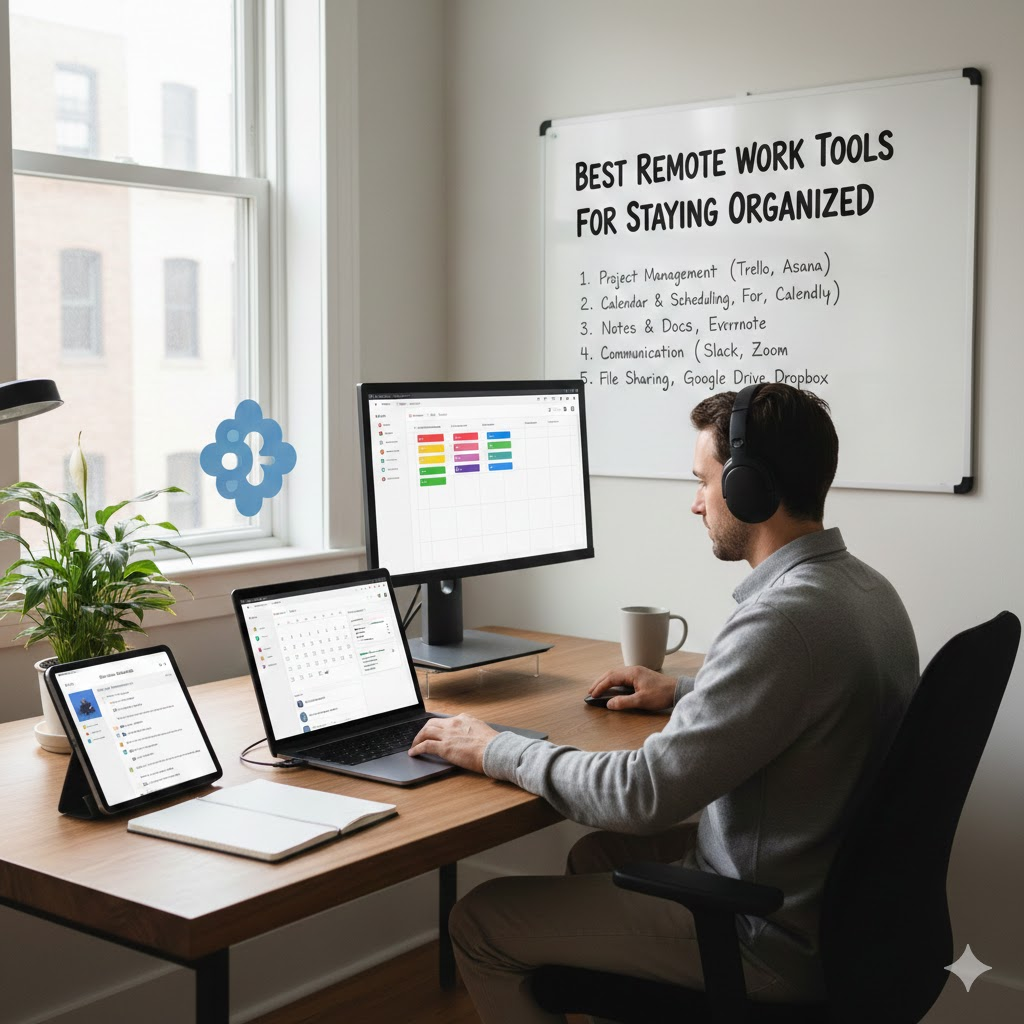
Remote work offers flexibility, comfort, and freedom, but it also comes with a challenge that many professionals face sooner or later: staying organized. When your home becomes your office, boundaries blur, tasks pile up, and distractions multiply. Without the right systems in place, productivity can quickly suffer.
Thankfully, modern technology has made organization easier than ever. From task management software to communication platforms and digital filing tools, there are plenty of remote work tools designed to keep everything structured and stress free. This guide explores the best remote work tools for staying organized, helping you manage tasks, time, communication, and files efficiently.
Why Organization Matters in Remote Work
In a traditional office, structure often exists naturally through schedules, meetings, and shared workspaces. Remote work removes many of these built-in systems. Without clear organization, remote workers may struggle with missed deadlines, duplicated work, or burnout.
Staying organized helps you:
- Keep track of tasks and priorities
- Communicate clearly with teammates
- Manage your time effectively
- Reduce mental clutter and stress
- Maintain a healthy work life balance
The right tools act as digital support systems, replacing the structure of a physical office.
Task and Project Management Tools
Task management tools are essential for remote workers. They help break down projects into actionable steps and ensure nothing slips through the cracks.
Trello
Trello uses boards, lists, and cards to visually organize tasks. It is especially helpful for people who like seeing progress at a glance. You can move tasks from “To Do” to “In Progress” and finally to “Done,” which creates a sense of accomplishment and clarity.
Asana
Asana is ideal for managing complex projects with multiple deadlines. It allows users to assign tasks, set priorities, add due dates, and track progress across teams. For remote workers collaborating with others, Asana keeps everyone aligned.
ClickUp
ClickUp combines task management, goal tracking, and documentation in one platform. It works well for individuals and teams who want an all in one organizational tool.
Communication and Collaboration Tools
Clear communication is one of the biggest challenges in remote work. These tools help keep conversations organized and prevent endless email threads.
Slack
Slack organizes conversations into channels based on projects or topics. This makes it easier to find information later and keeps communication focused. Integrations with other tools allow updates and reminders to appear automatically.
Microsoft Teams
Microsoft Teams combines chat, video meetings, and file sharing in one place. It works especially well for organizations already using Microsoft Office tools.
Zoom
While primarily known for video calls, Zoom also supports scheduling, recordings, and meeting summaries. It helps remote teams stay connected and organized during discussions.
Time Management and Focus Tools
Managing time effectively is crucial when working remotely. These tools help track hours, reduce distractions, and build better routines.
Todoist
Todoist is a simple but powerful to do list app. It allows users to organize tasks by project, set reminders, and track productivity trends over time.
RescueTime
RescueTime runs in the background and tracks how you spend your time online. It provides detailed reports that help identify distractions and improve focus.
Pomofocus
Based on the Pomodoro technique, Pomofocus encourages focused work sessions followed by short breaks. This method helps maintain energy and prevent burnout.
File Organization and Cloud Storage Tools
Remote workers deal with countless digital files. Without proper organization, finding documents can become frustrating.
Google Drive
Google Drive allows users to store, organize, and share files easily. Real time collaboration makes it ideal for remote teams working on shared documents.
Dropbox
Dropbox offers secure cloud storage with strong file syncing capabilities. It is especially useful for backing up important work and accessing files from multiple devices.
Notion
Notion combines note taking, file storage, task tracking, and databases. Many remote workers use it as a central hub for organizing both personal and professional information.
Templates and Workflow Resources
Templates can save time and create consistency in remote work routines.
- Weekly planning templates help structure tasks and priorities
- Meeting agenda templates keep discussions focused
- Daily checklists support habit building and productivity
Platforms like Notion, Google Docs, and Canva offer ready made templates that can be customized to suit individual workflows.
Setting Up an Organized Remote Workspace
Tools work best when paired with a thoughtful workspace setup. An organized digital system should reflect your physical environment.
Helpful tips include:
- Declutter your desktop and folders regularly
- Use clear file naming conventions
- Set fixed times for checking messages and emails
- Review tasks at the start and end of each day
Combining tools with intentional habits creates a sustainable remote work system.
Choosing the Right Tools for You
Not every tool works for everyone. The best remote work tools are the ones that fit naturally into your routine. Start with one or two tools, learn them well, and build your system gradually.
Ask yourself:
- Does this tool simplify my work
- Is it easy to use consistently
- Does it integrate with my existing tools
Simplicity often leads to better organization than having too many apps.
Final Thoughts
Staying organized while working remotely is not about perfection. It is about creating systems that support focus, clarity, and balance. With the right combination of tools, apps, and productivity resources, remote work can feel structured, efficient, and enjoyable.
Whether you are a freelancer, remote employee, or business owner, investing time in the right organizational tools will pay off in better productivity and peace of mind.
Frequently Asked Questions (FAQ)
What are the most essential remote work tools for staying organized?
Task management tools like Trello or Asana, communication platforms like Slack, and cloud storage tools like Google Drive are essential for most remote workers.
Are free remote work tools effective?
Yes, many free tools offer powerful features that are sufficient for individuals and small teams. Paid versions usually add advanced customization and automation.
How many productivity tools should a remote worker use?
It is best to start with a few core tools. Using too many apps can become overwhelming and reduce productivity.
Can one tool handle everything for a remote work organization?
Some tools like Notion or ClickUp aim to be all in one solution. While they can cover many needs, some people prefer using specialized tools for specific tasks.
How do I stay consistent with organizational tools?
Consistency comes from habit. Schedule daily or weekly check-ins with your tools and keep your system simple and realistic.